
Deadline Afterlife Processing retained orb: Subject 5099 Storage Solution
The Deadline Afterlife Processing retained orb requires placing the unreadable soul into the press slot, stamping it without a verdict, and delivering the sphere to cradle 302 in aisle 8 on floor R inside the retention facility.
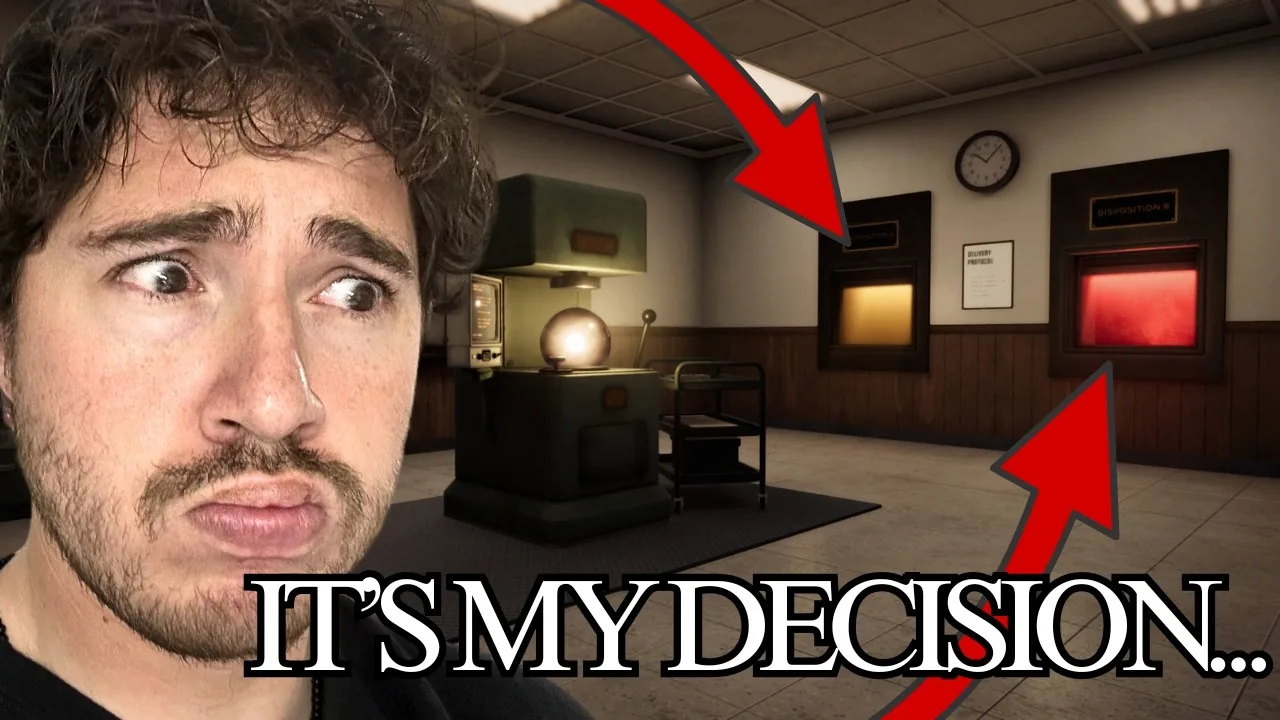
The Deadline Afterlife Processing retained orb requires placing the unreadable soul into the press slot, stamping it without a verdict, and delivering the sphere to cradle 302 in aisle 8 on floor R inside the retention facility.
Triggering the Shift 5 Retention Event
The retention sequence begins at the very end of shift five. After processing standard subjects according to facility rules, an incoming terminal message halts the shift countdown clock. The transmission announces that an additional soul has arrived for urgent processing.
When the sphere drops down the feed line, the amber terminal fails to display the typical three-fragment biography. Instead, the screen displays record retrieval error 5099, marking the file as unreadable with insufficient data for reclassification. Alongside the orb, the dispatch system issues a physical slip titled Section A Retention Order. This document instructs the operator to deliver the unclassified soul to designated long-term storage rather than sending it to an afterlife hatch.
Stamping Subject 5099 at the Press
Handling this irregular soul differs from standard intake outlined in the press guide. The operator must place the retention order directly into the slot on the machine before executing the stamp.
Do not switch the verdict lever to ascend or descend. Instead, operate the stamp arm directly onto the orb while the mechanism remains neutral. The press applies a dedicated red seal indicating the soul identity and facility delivery target: Location R8302. Once stamped, pick up the sphere by hand. The game prevents you from dropping this subject into hatch A or hatch B, requiring manual transit through the facility doors.
| Task Stage | Action Required | Result or Condition |
|---|---|---|
| Press Setup | Insert retention order into the press slot | Enables the stamp mechanism for unclassified data |
| Soul Sealing | Pull the stamp arm without touching verdict levers | Marks the orb with destination coordinates R8302 |
| Vault Delivery | Carry the orb to aisle 8 cradle 302 on floor R | Secures subject 5099 into the facility storage rack |
Navigating Floor R to Locate Cradle 302
Carry the sealed orb out of the workstation and locate the door marked Retention across from the primary desk. Inside sits an elevator lift with floor controls. Select floor R to descend into the deep vault.
Exiting the lift brings the operator past Gate R1 into a pitch-black warehouse filled with towering metal racks. Operators who purchased boot upgrades during earlier shifts move significantly faster across these lengthy corridors. The stamped code R8302 breaks down into specific navigation markers:
- Floor R designates the retention warehouse basement reached via the lift.
- Number 8 indicates aisle 8, located further down the dark main corridor past aisles 1 through 7.
- Number 302 identifies the empty metal cradle positioned along the aisle 8 shelving rack.
Walk down the central corridor until you reach the marker for aisle 8. Turn into the row and check the numbering sequence along the shelving. Cradle 302 sits between slots 301 and 316. Step directly in front of the empty cradle and place the sphere onto the mount.
Concluding the Probationary Period
Placing subject 5099 into cradle 302 restores illumination across the storage vault and triggers an automated reaction among neighboring stored spheres. Inspecting a nearby displaced soul at aisle 5 cradle 461 reveals that all stored units begin to glow in unison.
Returning to the office allows the operator to conclude the shift. Completing this delivery finishes shift five and marks the conclusion of the operator probation period across thirty total subjects. The workstation delivers a final notice of conclusion acknowledging your service, prompting a signature confirming interest in future full employment before concluding the demo.
Related Guides
Fix Stuttering
Apply targeted display adjustments and system priority tweaks to stabilize frame pacing and stop severe stuttering in the office.
Crash on Startup
Check official hardware baselines and demo patch files to resolve immediate launch failures when opening the afterlife processing station on PC.